Snap any paper
Invoices, contracts, recipes, prescriptions, IDs, handwritten notes: up to several pages per document.
No web browsing, no guessing. Ask anything about your papers. Every answer comes from your own documents and shows its source.
Launching December 2026 · Windows, macOS, Android & iOS · Free plan, no credit card required
See how it works ↓Snap a photo of any paper, even handwritten. DocsFamily's AI files it for you. Then just ask: “When does the lease end?” and get the answer, from your own documents.
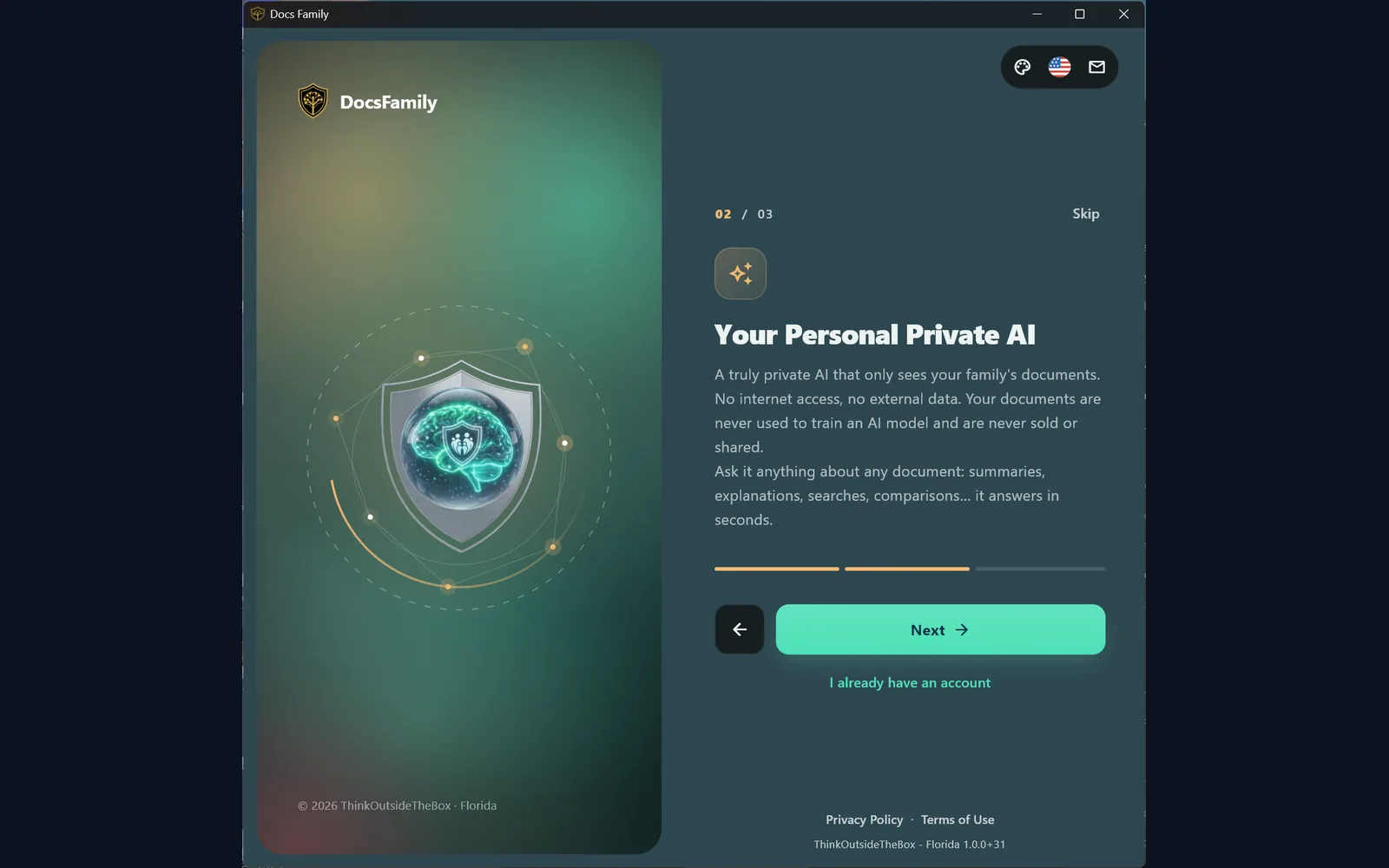
A private AI that only knows your family's documents. No internet, no guessing. Every answer shows its source.
Free plan, no credit card required · No ads · No trackers · Your data is never sold
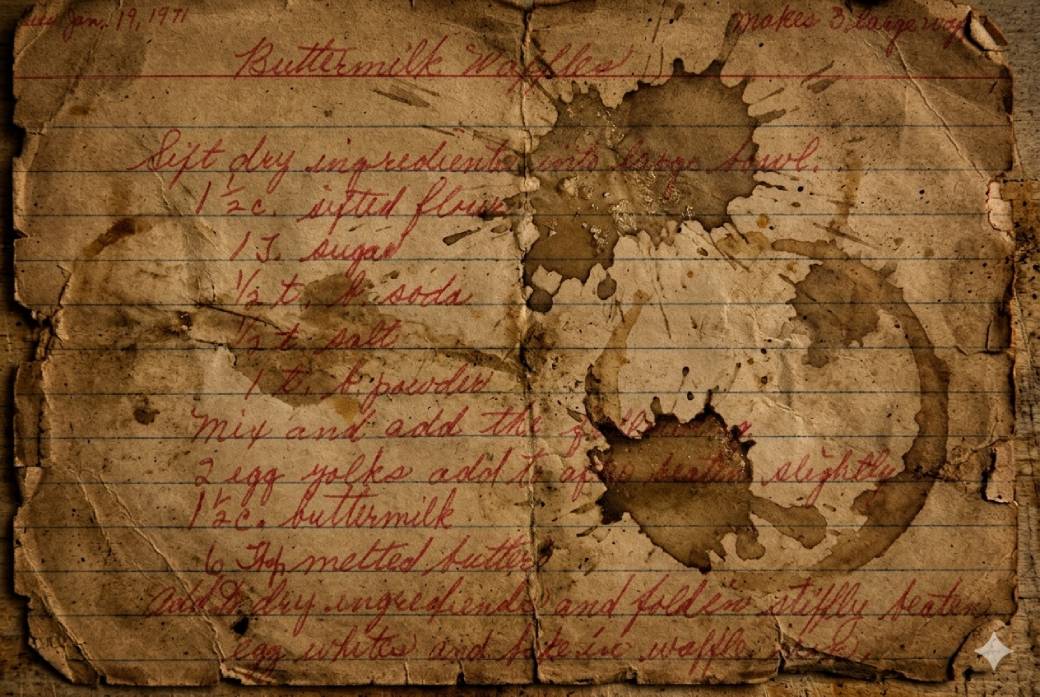
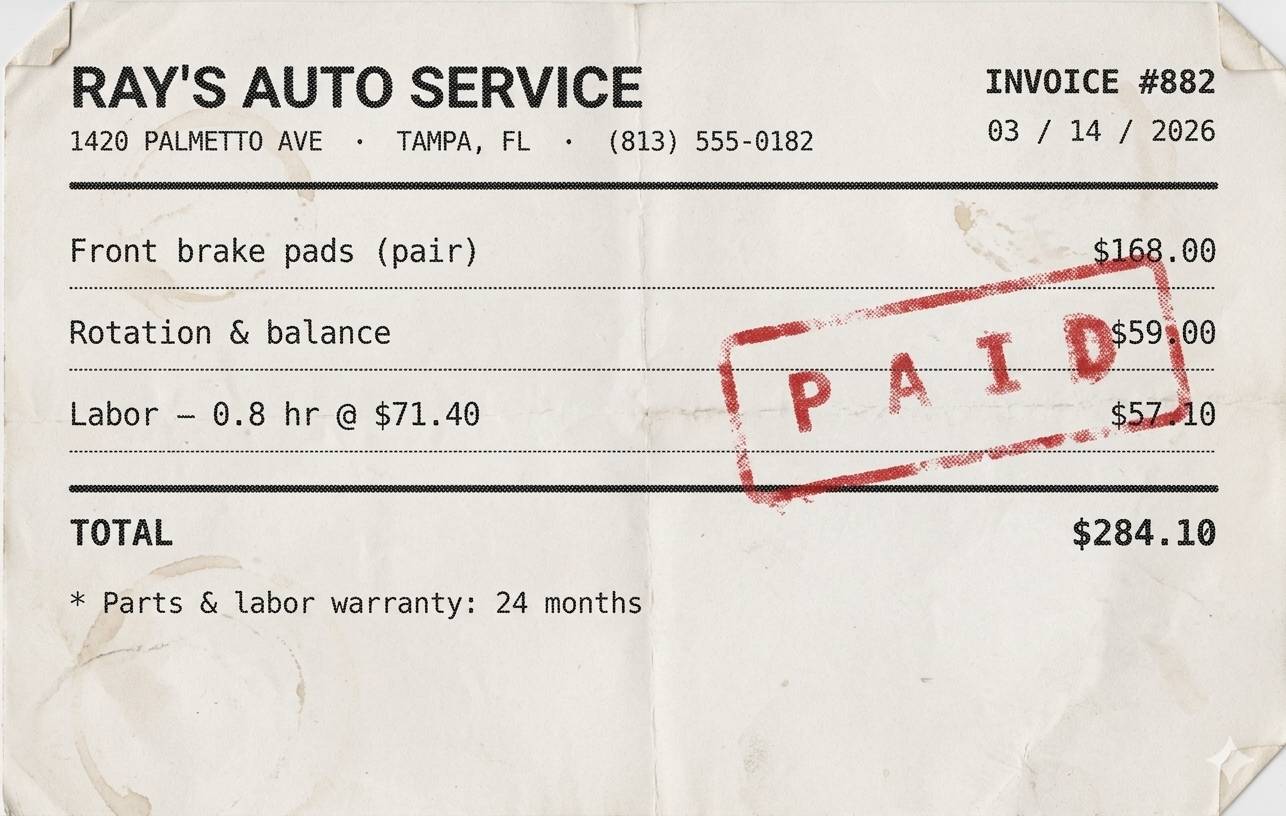
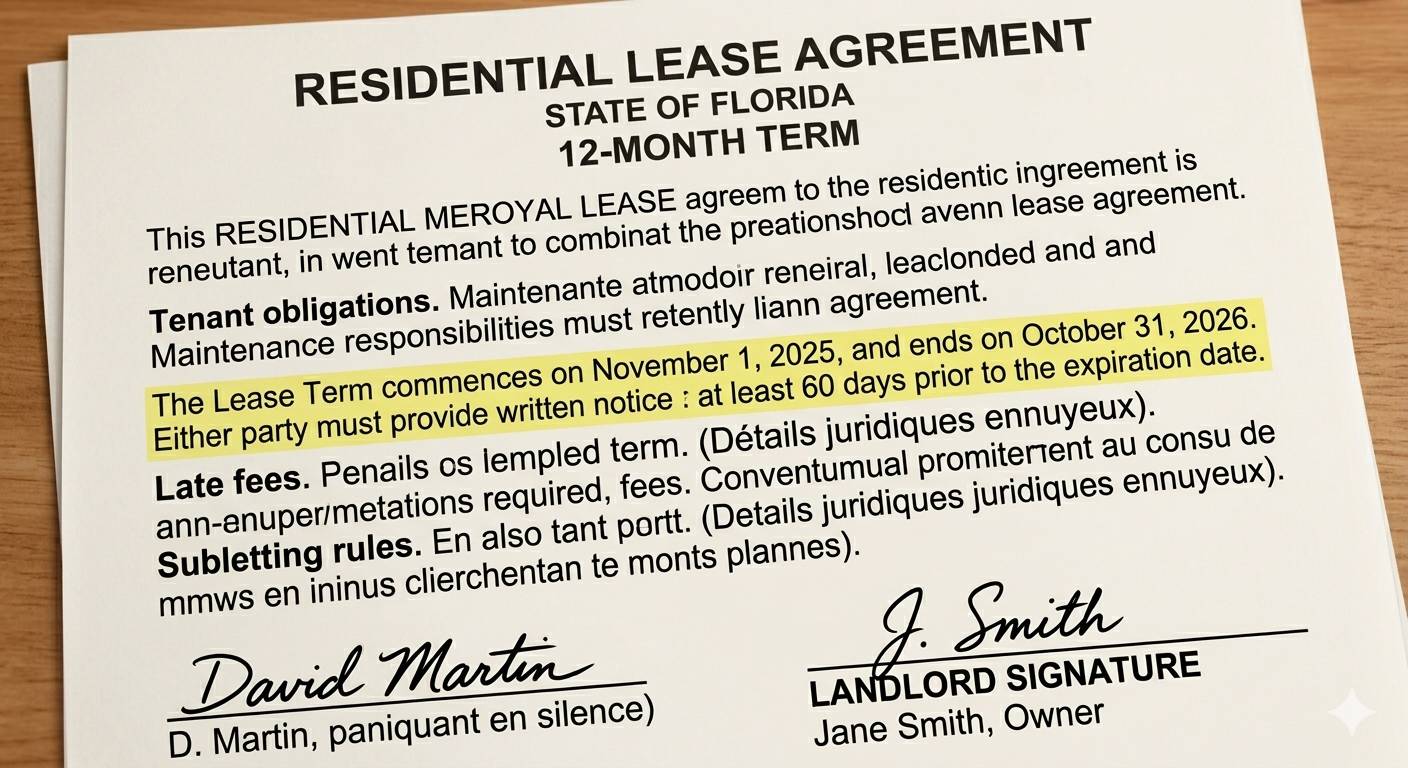
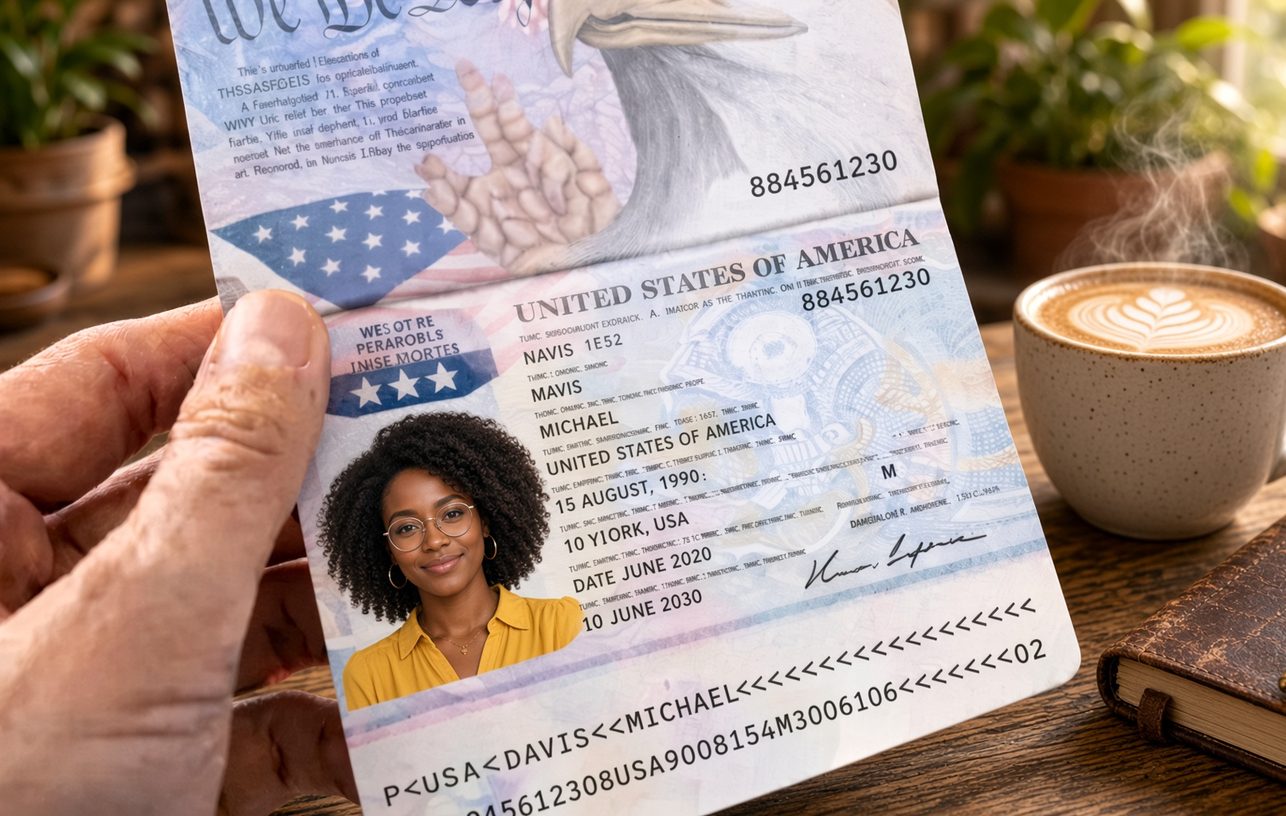
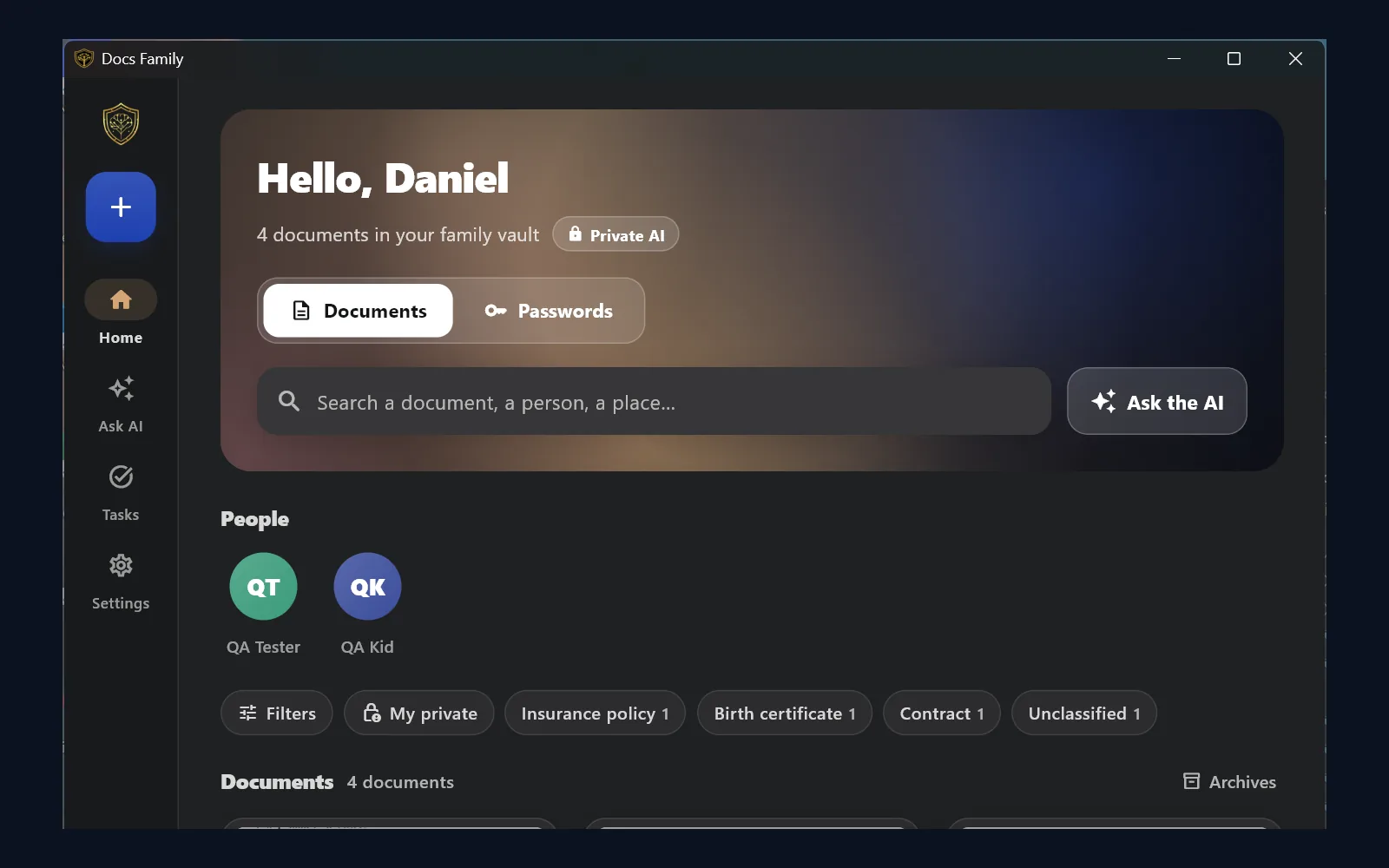
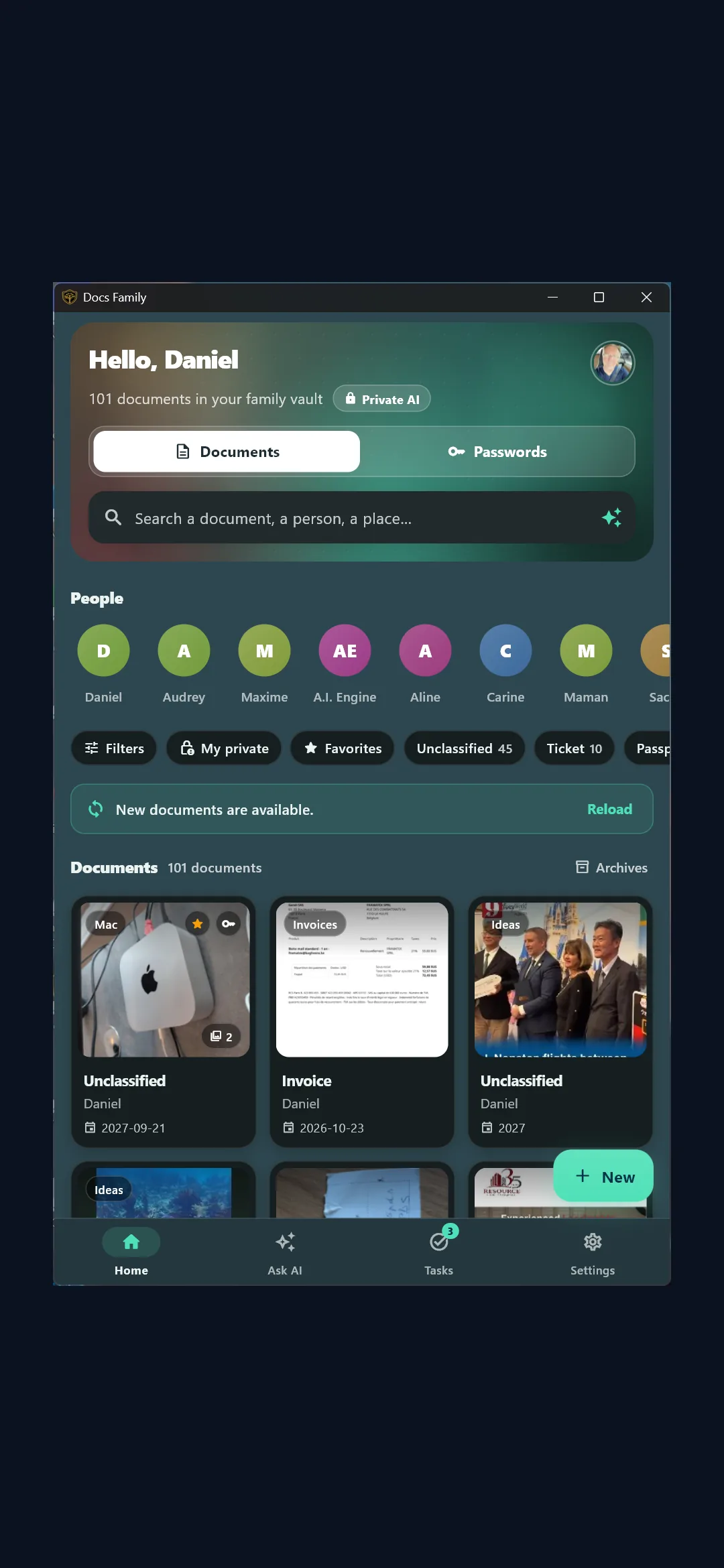
The car title is in a drawer. The lease is buried in an email. Grandma's recipe is fading on a card. Every family runs on paper, and every family loses track of it. DocsFamily puts it all in one private place your whole family can search.
One app for papers, passwords and the people who need them.
Invoices, contracts, recipes, prescriptions, IDs, handwritten notes: up to several pages per document.
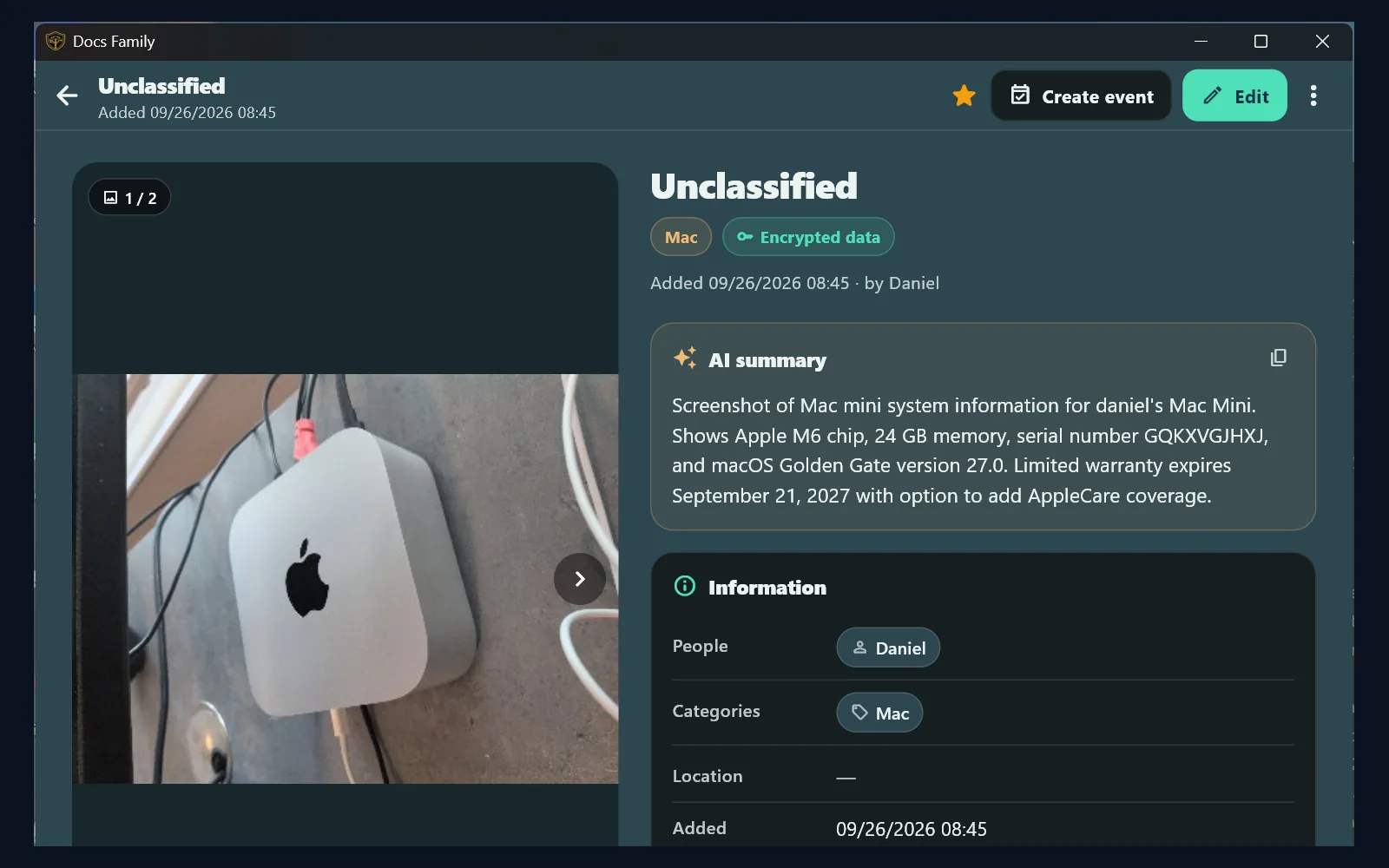
DocsFamily recognizes the type (passport, ID, invoice, receipt, contract, birth certificate, insurance policy…) and extracts the key date, the people involved and a summary.
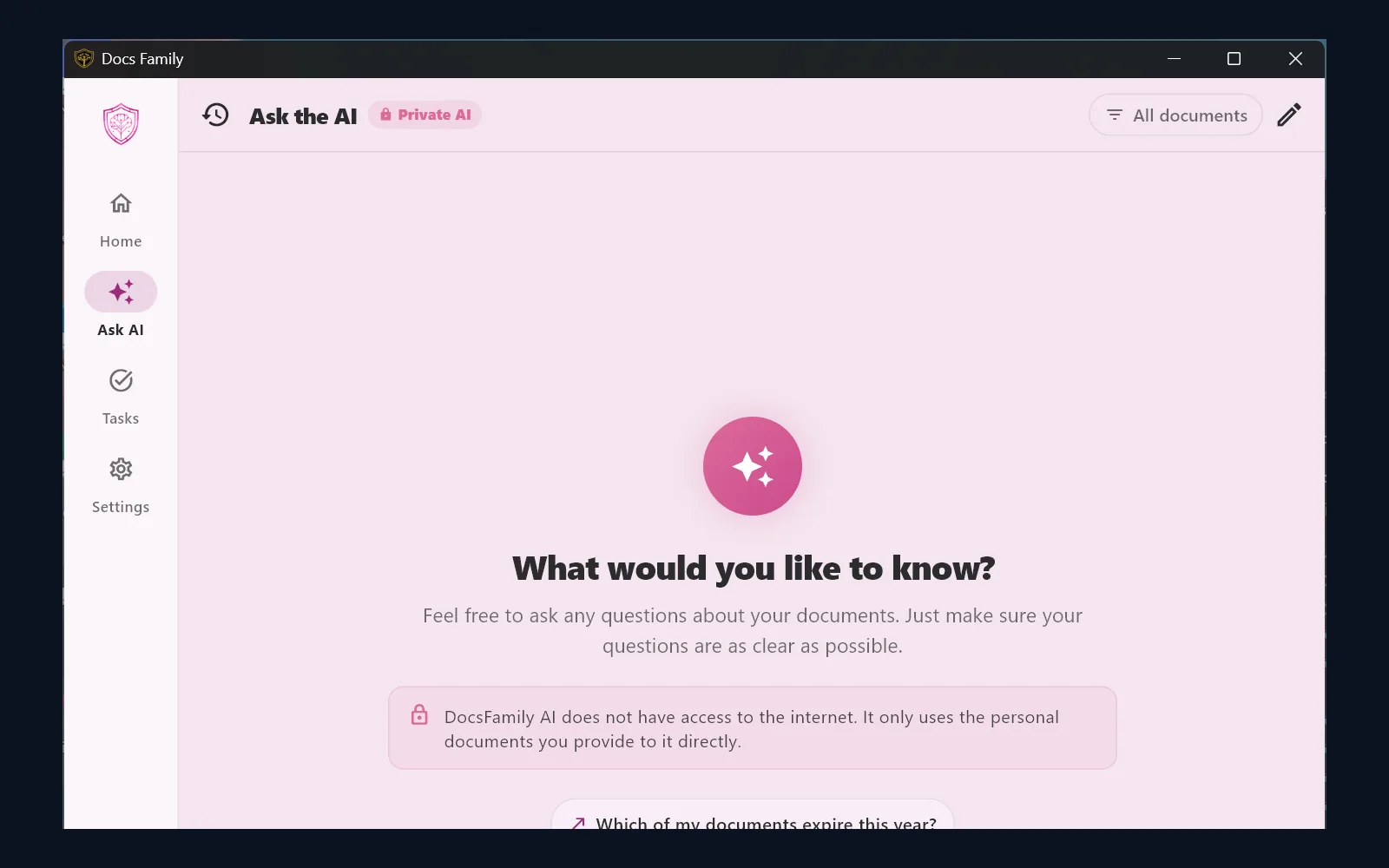
Ask a question in plain words. Your private AI has no internet access and answers only from your family's documents, citing its sources.
Invite your family. Admins decide who sees what, document by document. Restrict any member, keep personal papers to yourself.
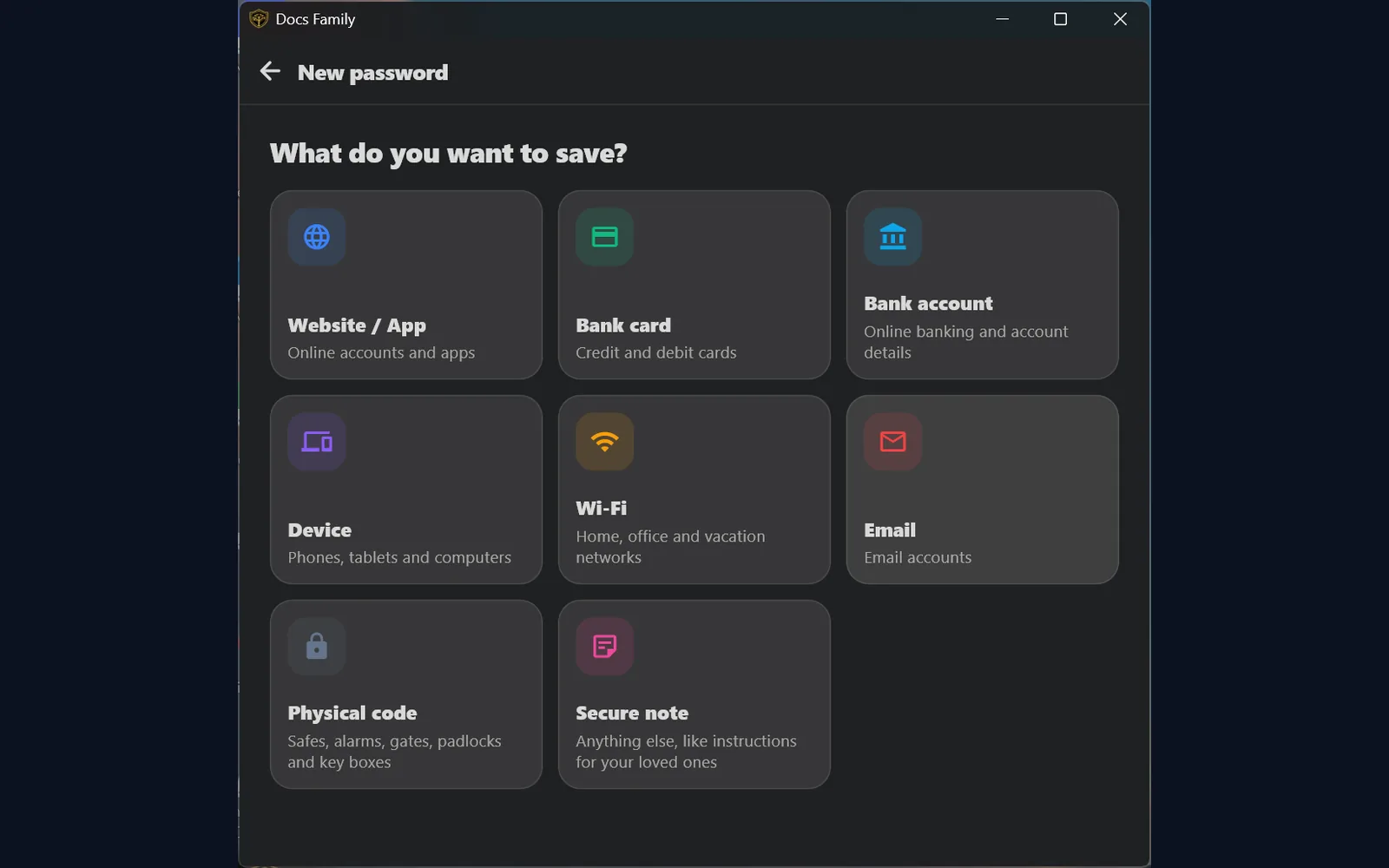
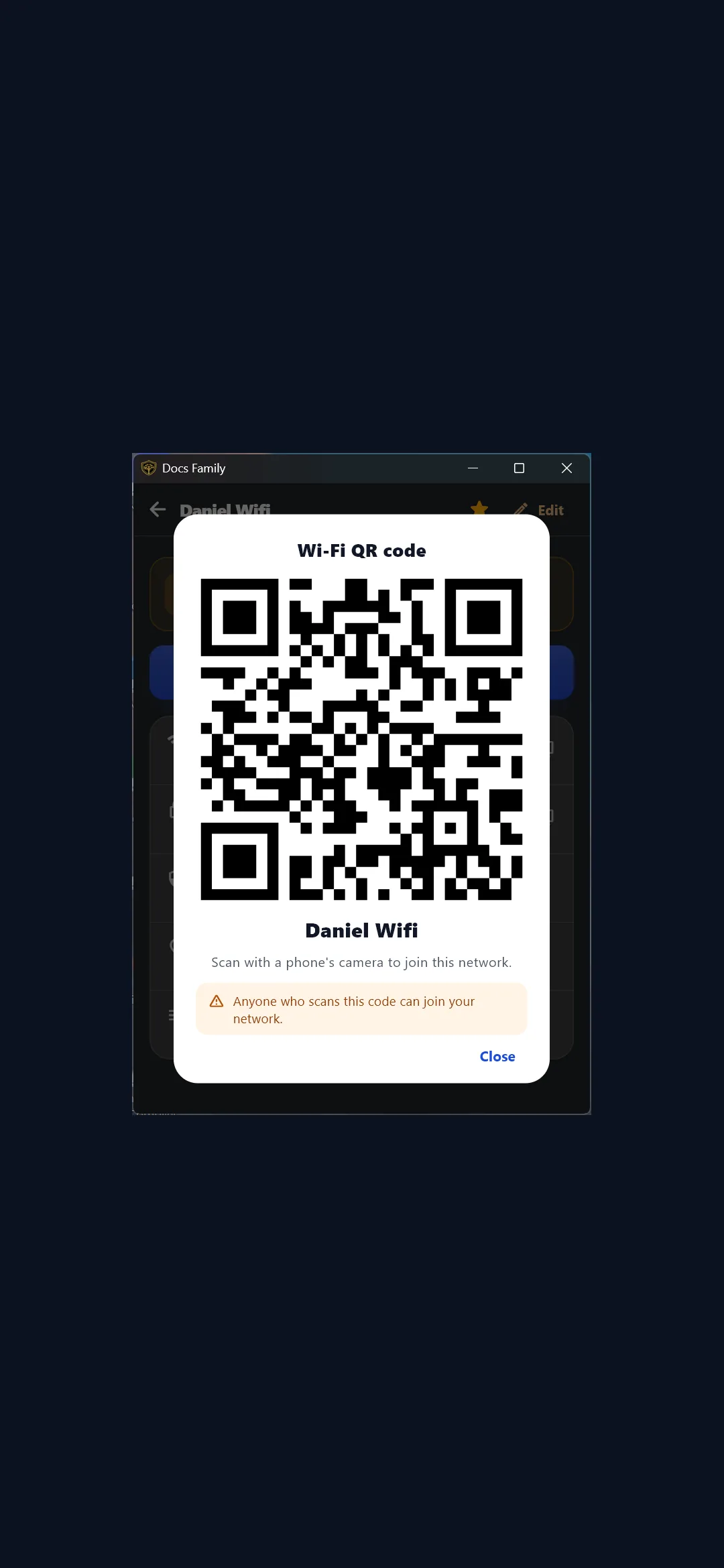
Only you can see your passwords. 8 item types (logins, bank cards and accounts, devices, Wi-Fi, email, physical codes and secure notes) in an end-to-end encrypted vault. Show, copy or generate passwords, search, export, and share Wi-Fi with a QR code.
Star the documents and passwords you use most. Favorites are personal to each member.
Turn a document into a to-do (renew the passport, pay the invoice) with a due date.
Drag & drop images or PDFs (up to 25 MB), paste a screenshot, or use Google Drive, OneDrive and iCloud synced folders, or share straight from your phone.
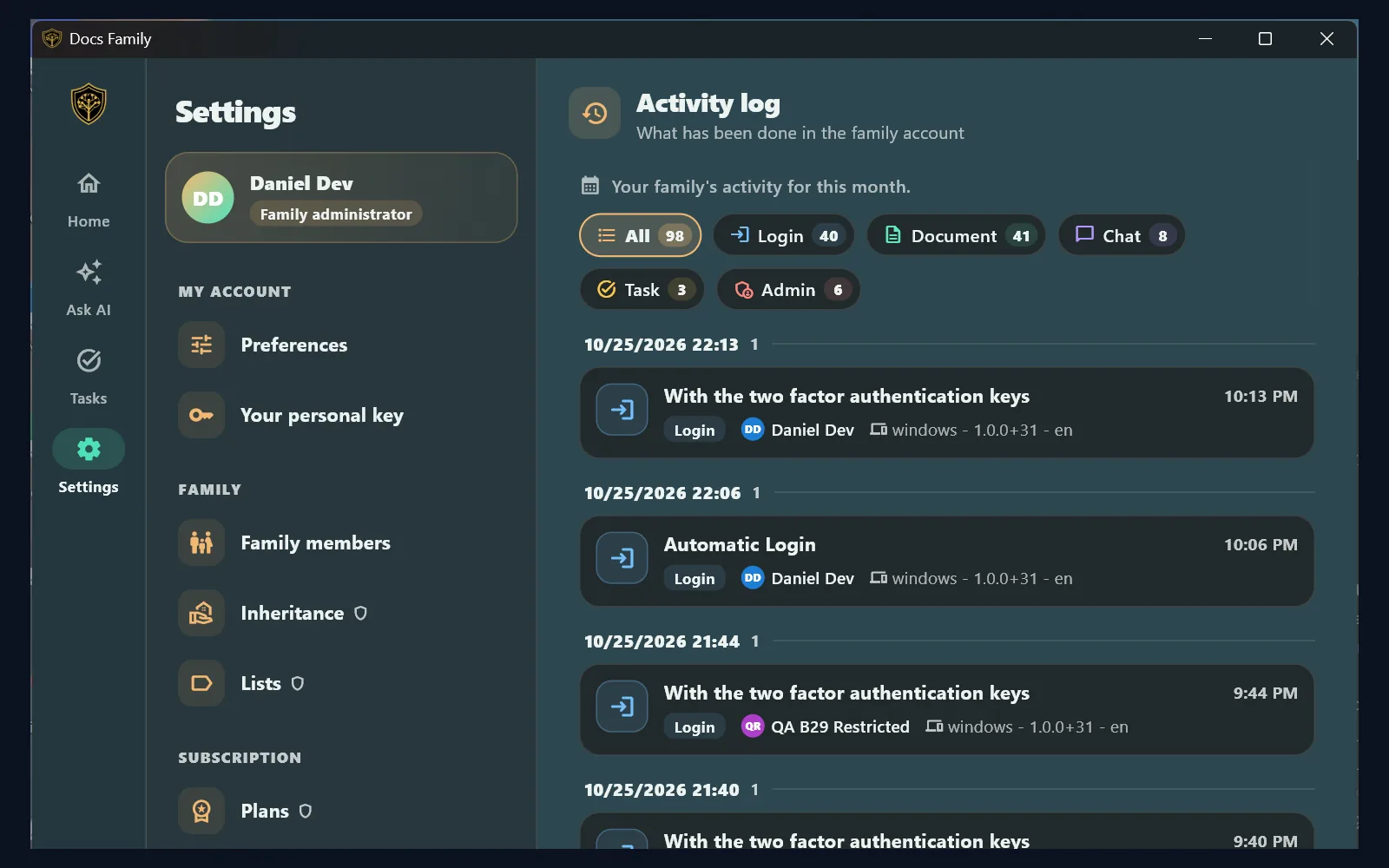
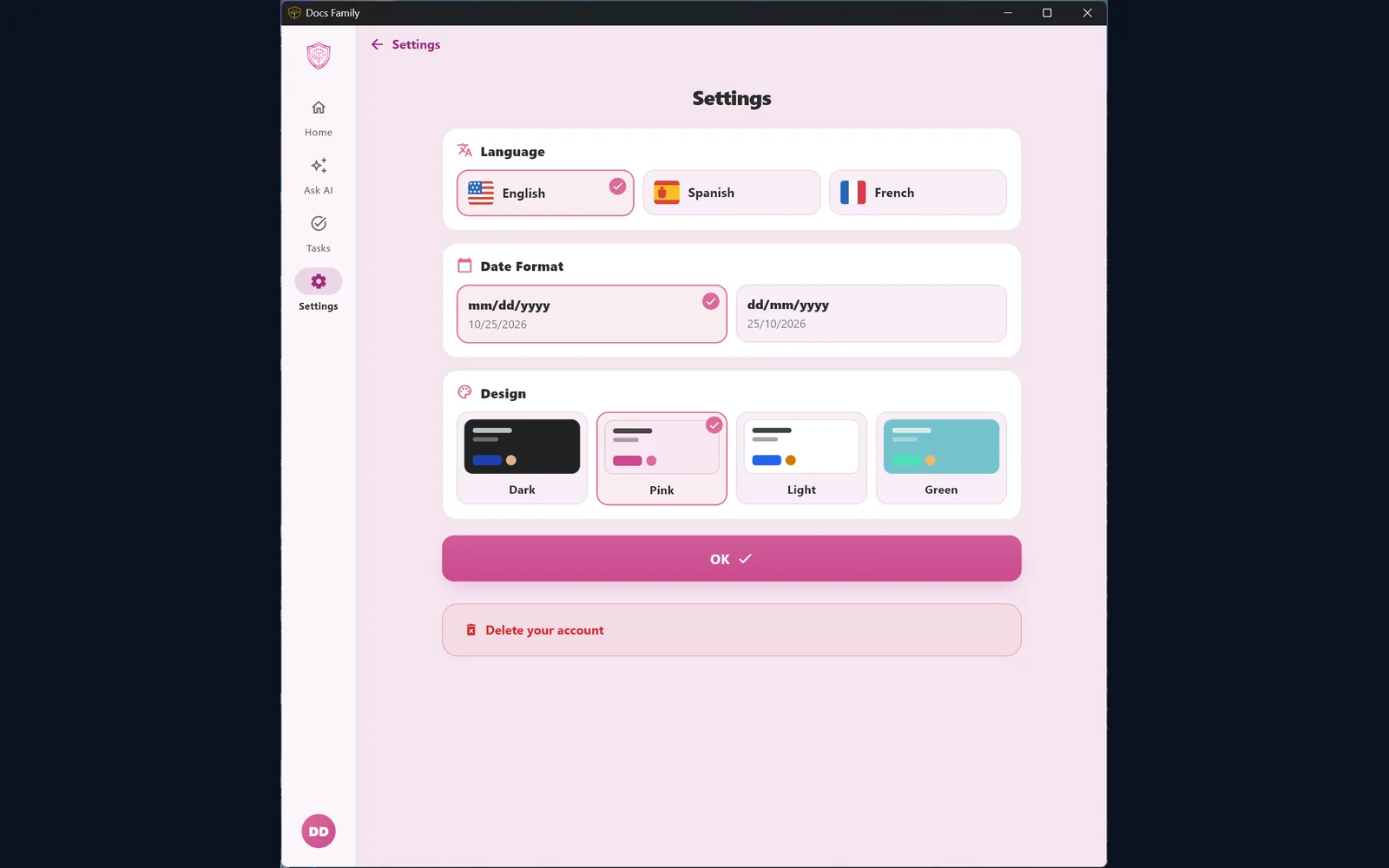
See what changed and who did it. Use it in English, French or Spanish, with 4 designs: Dark, Pink, Light and Green.
Up and running in under a minute.
Take a picture or import a file. Even messy handwriting.
Recipe · Grandpa's Waffles
Invoice · Car Service #882
Contract · House Lease 2026
ID · Mom's Passport
Ask like you'd ask a person. Your private assistant answers from your documents.
“When does the lease end?”
“When does the brake warranty end?”
“What's my dentist's number?”
Share each document with the right people. Keep the rest private.
Insurance → shared with Alex
Health card → shared with Emma
Personal → only you
Not a chatbot that searches the web. An assistant that reads only what your family has saved.
Your DocsFamily AI doesn't browse the web. It works only inside your family's private space.
Answers come from your own papers, never from made-up web info or someone else's data.
Each answer cites the document it came from, so you can verify it in one click.
AI processing runs on DocsFamily's own servers, inside your family's isolated container. As with any AI, check the cited document for anything important.
Your subscription is our only business model. No advertisers, no data brokers, and no reason to look at your files.
An honest trade-off: to let you search your papers and ask questions about them, our systems process their content on our own servers. In exchange, we commit to never exploit, share or monetize it.
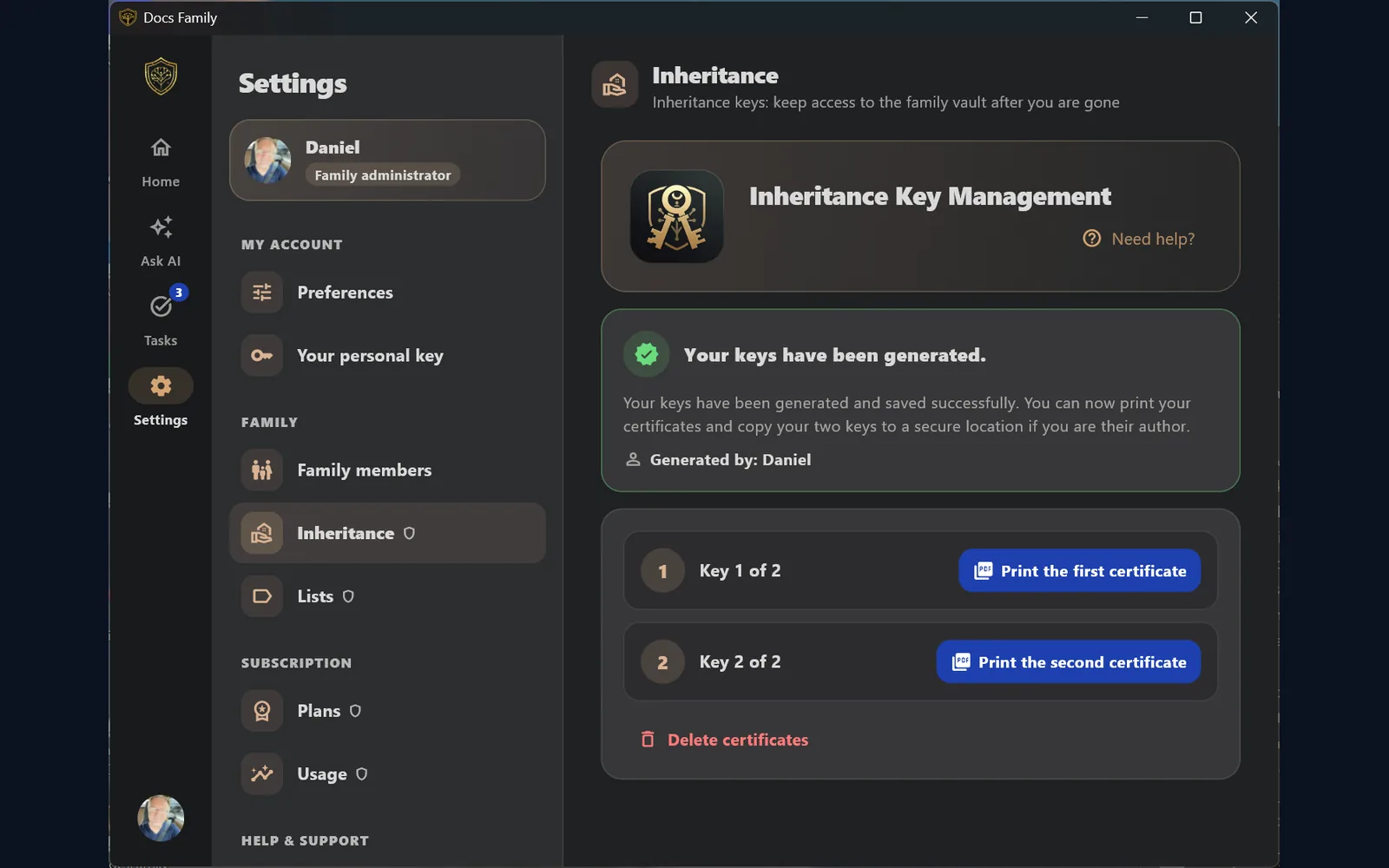
When a parent passes away, families spend months looking for the life insurance, the accounts, the deed. DocsFamily is built for that day. The family admin generates two unique inheritance keys, printed as certificates, and gives one to each of two trusted people. Only when both keys are combined can they access your account and documents. No single person can do it alone. Keys can be regenerated or revoked at any time.
Start free, no credit card required. Upgrade when your family joins.
Free
for one person
$5/mo$7/mo
billed yearly ($60) · up to 6 membersbilled monthly · up to 6 members
$12/mo$15/mo
billed yearly ($144) · up to 6 members · everything in Family, plusbilled monthly · up to 6 members · everything in Family, plus
Upgrades apply right away. Downgrades and cancellations take effect at the end of the period already paid. Payments are not refunded.
| Feature | Discover | Family | Premium |
|---|---|---|---|
| Family members | 1 | 6 | 6 |
| Documents | 20 | 300 | 2,000 |
| Images per document | 2 | 10 | 20 |
| PDFs per document | 0 | 1 | 3 |
| Passwords (per member) | 20 | 200 | Unlimited |
| Tasks | 2 | 200 | Unlimited |
| Ask AI questions / month | 20 | 300 | 1,200 |
| AI task analyses / month | 2 | 200 | 1,200 |
| Private documents | No | ✓ | ✓ |
| Inheritance (legacy) keys | No | ✓ | ✓ |
| Archive | No | ✓ | ✓ |
Founding families offer: get notified at launch and receive a code for the Family plan at $48 your first year (instead of $60).
Free to start. Early access builds are available now, and store releases (Google Play, App Store) arrive in December. Get notified to be told the day it launches.
Available now
Version 1.0.0 · build 37
Available now
Version 1.0.0 · build 37
Coming soon
Coming soon
No internet: DocsFamily's AI answers only from the documents your family has saved, never from web content. Every answer cites its source document so you can check it in one click. The analysis runs on DocsFamily's servers, in your family's isolated container. Like any AI, it can misread something, which is exactly why the source is always shown.
Your documents live in your family's isolated container and are processed only to answer your own questions. We never analyze them for ads, share or sell them. Fields you mark as encrypted, and your password vault, are sealed with your key, so we can't read those at all.
The family admin invites members and controls sharing. Each document can be shared with specific members, and personal documents stay private. Favorites are personal to each member.
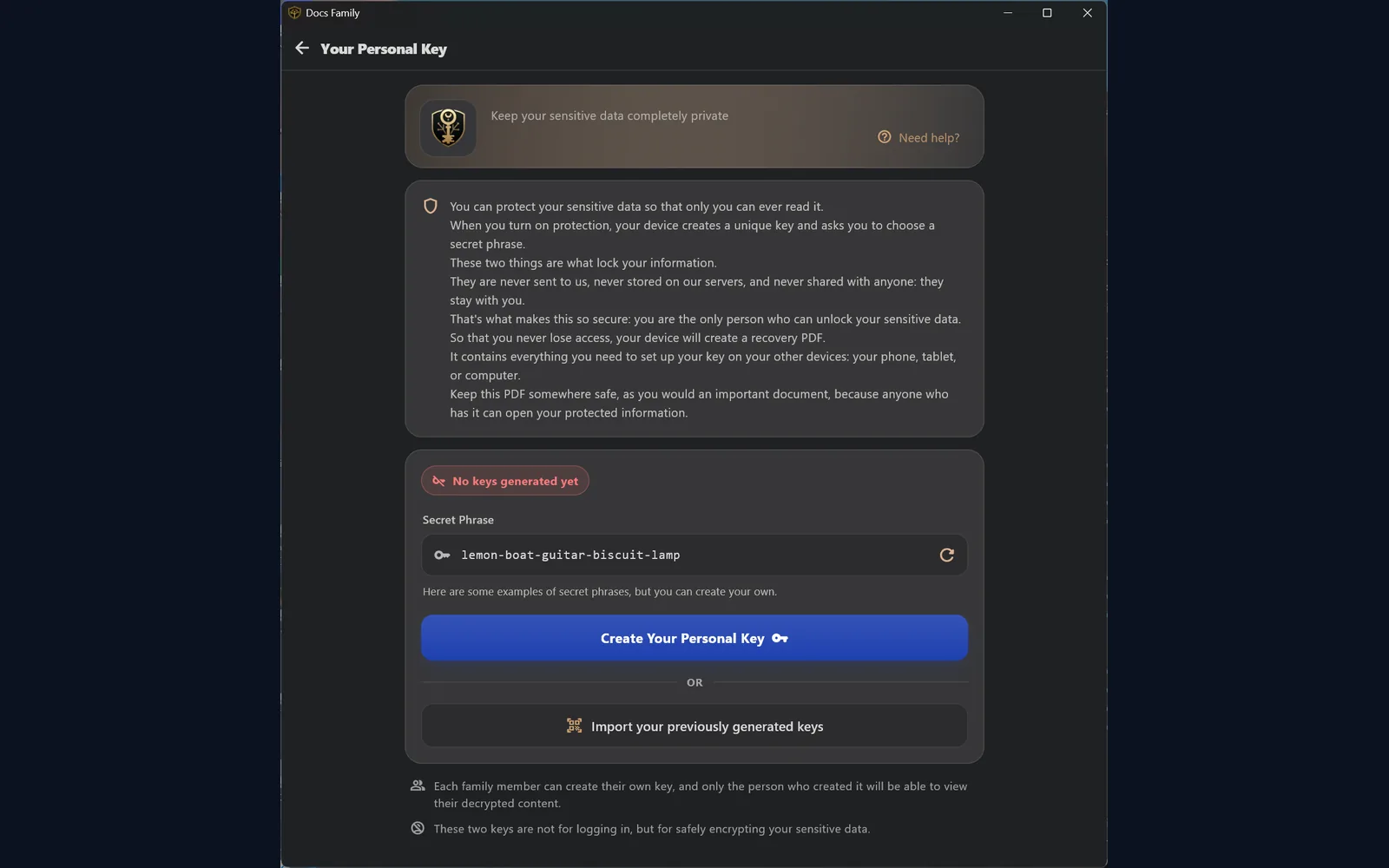
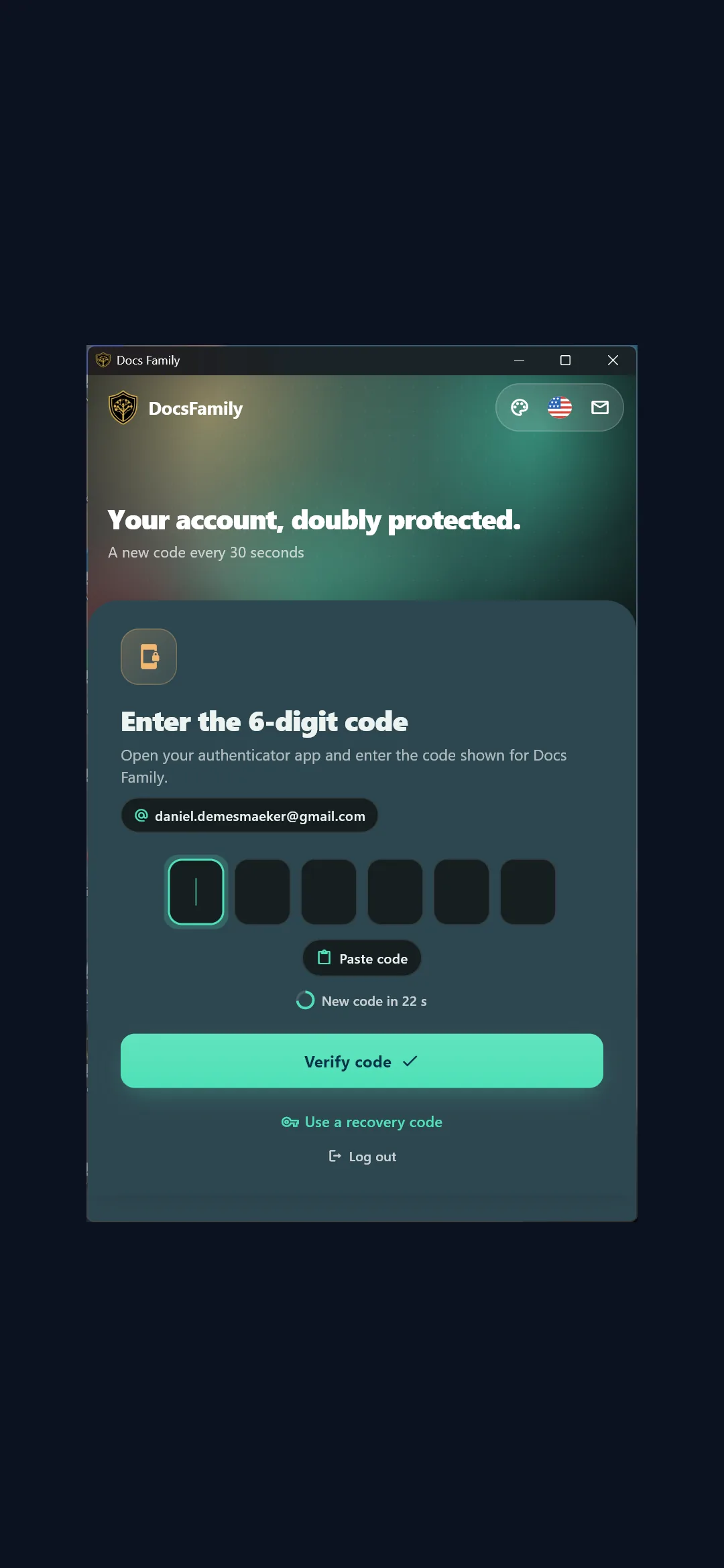
Your personal key encrypts your passwords and sensitive fields on your device, before anything is sent. Not even DocsFamily or your family can read them. When you create it, your device generates a recovery PDF that lets you set up your key on your other devices. Keep that PDF somewhere safe: anyone with it can open your protected information.
Yes. DocsFamily reads handwritten pages and documents in other languages. The app is available in English, French and Spanish (AI analysis and answers are in English for now).
On secured infrastructure in the United States, in a container dedicated to your family. Never pooled, never used to train AI models.
Yes. Export everything, anytime, original photos and files included. Your data is never held hostage.
That's what inheritance keys are for. You generate two unique keys and give each to a different trusted person. In an emergency, they combine both keys to sign in and access your account and documents. Neither can do it alone.
Launching December 2026. An independent company, not Big Tech. Built in Florida.